
How to Choose the Best Software Tools for Product Roadmap Planning
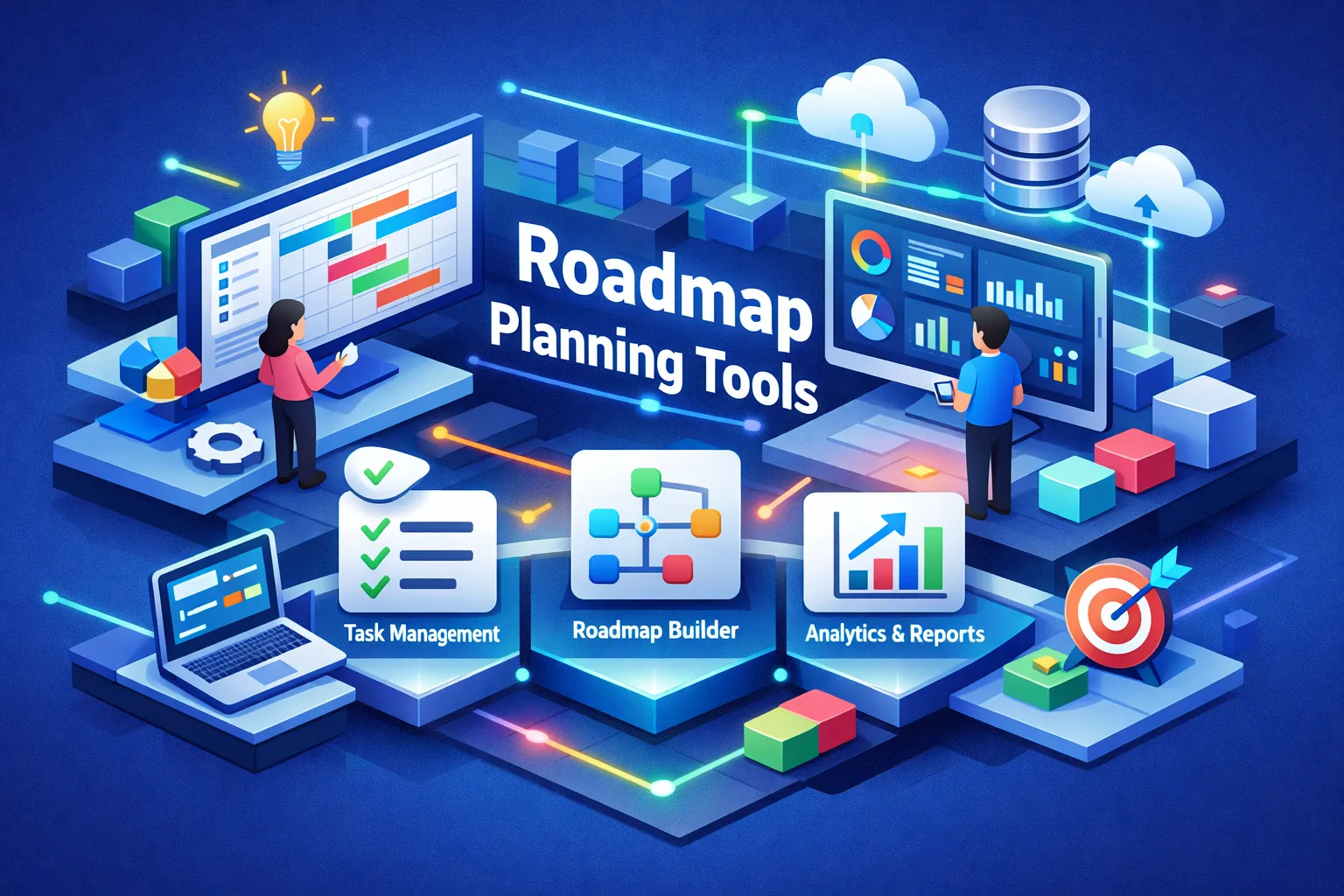
Picking the right roadmap tool decides how fast your team moves ideas into delivery. The wrong tool brings weeks of reconciling views, debating priorities, and rebuilding slides; the right tool creates alignment in minutes. Use a three-step framework to evaluate options quickly when choosing the best software tools for product roadmap planning: define your audiences, match visualizations to workflows, and set measurable trial metrics so comparisons stay objective.
Quick summary
- Name your audiences. Clarify who consumes the roadmap, the decisions they must make, and the permissions or templates each role needs so views are purposeful and secure.
- Match views to decisions. Use timeline or Gantt for sequencing, swimlanes for cross-team initiatives, Kanban for sprints, and now-next-later for concise leadership signals. Prefer tools with live multi-view syncing to avoid manual exports.
- Measure trials objectively. Define three to five success metrics, like time to update, stakeholder satisfaction, and manual syncs avoided. Run focused two-week pilots to compare outcomes rather than feature lists.
- Validate prioritization. Use RICE, MoSCoW, or a value-versus-effort matrix during trials so you can see scoring workflows and how discoveries translate into backlog items.
- Prioritize integrations. Treat collaboration and integrations as first-class requirements and validate issue tracking, feedback connectors, and CI/CD links during the pilot to prevent tool sprawl.
Choosing the best software tools for product roadmap planning
Decide which stakeholders will use the roadmap before you evaluate feature lists. Executives, engineers, sales, and external customers each need different views and permissions; confirm whether you need strategy maps, release plans, or sprint boards. When choosing the best software tools for product roadmap planning, prioritize features and workflows that match those audiences.
Translate each audience's decisions into visualization requirements before you start trials. Common mappings include timeline or Gantt for release sequencing, swimlanes for parallel initiatives and teams, Kanban for sprint work, and now-next-later for concise leadership signals. Verify whether roadmapping tools support multiple live views or require manual exports, since live syncing reduces double work when you connect roadmaps to issue trackers.
Define three to five measurable success metrics and capture baseline values up front. Useful metrics include time to update the roadmap, stakeholder satisfaction, integration uptime, and the number of manual syncs avoided. Run focused two-week pilots with targets, such as a 30 percent reduction in update time, to make vendor selection repeatable and defensible.
Quick comparative snapshot of the leading tools
Match tools to who they serve rather than chasing feature lists. Aha! and Airfocus focus on enterprise strategy and portfolio planning, Productboard centers on discovery driven by customer feedback, and Jira supports execution and scale. ProductPlan and Roadmunk provide polished timelines while Miro complements early ideation and workshops; use this mapping to rule tools in or out based on team size and primary use case.
Visual capabilities change how stakeholders perceive a plan. ProductPlan delivers simple drag-and-drop timelines, Roadmunk adds swimlanes and linked views for multi-audience presentations, and Jira provides Kanban and roadmap views tied directly to issues and sprints. Productboard and Aha! let you move between strategic and tactical maps, so pick visualization software that matches your reporting rhythm and meeting cadence.
Prioritization and feedback features often determine long-term fit more than visuals. Productboard excels at capturing and linking customer feedback with evidence, Aha! offers robust scoring and portfolio prioritization, and Jira Product Discovery connects priorities directly to execution. Expect per-user pricing for full-featured roadmap software and per-admin or flat-rate options for public or embedded roadmaps; use team size and budget to pick two candidates to pilot.
How to evaluate timeline views and roadmap visualization
Match the view to the decision you need to make. Use timeline or Gantt when dates, sequencing, and dependencies drive the meeting; choose swimlanes to surface cross-team responsibilities and themes; pick now-next-later when you need a concise signal for stakeholders; and keep Kanban or backlog views for execution teams that need item-level status and live workflow updates. Defining the decision up front makes it easier to judge whether a visualization will change behavior in meetings. For a practical overview of roadmap tool types and visualization guidance, see this product-roadmap tools guide.
Visual polish and live data fidelity often trade off against each other, so decide which matters for your audience. Boardroom-ready visuals persuade executives but can feel static, while developer-integrated views update automatically from Jira or GitHub at the cost of presentation finesse. Many teams use a hybrid approach: maintain a canonical, synced source of truth for engineering and export polished maps for executives.
Small presentation features speed communication, so include template quality, export fidelity, and embeddable live views on your checklist. Confirm exports preserve annotations, timelines, and swimlanes at high PDF or PNG quality, and test whether live embeds work in Confluence or Notion. Use a short evaluation checklist: choose the view that answers the meeting question, verify live sync, and test slide exports to reduce rework and accelerate stakeholder alignment.
Prioritization frameworks and scoring: what to test in a trial
Put core frameworks through a real-world test during your pilot. Apply RICE, MoSCoW, and a value-versus-effort matrix to a handful of features your team actually cares about, score them end to end, and watch how the tool surfaces those scores and allows you to weight criteria and compare items side by side. Make trade-offs visible and repeatable so prioritization becomes a defensible output rather than an unstructured debate. For deeper context on methods and trade-offs, consult the Nielsen Norman Group's prioritization methods and this practical guide to RICE, MoSCoW, and Kano.
Evaluate AI and data-driven prioritization by feeding the tool feedback and usage signals from your channels. Check whether the product synthesizes sentiment and usage into signal-driven scores, shows source evidence, and exposes the calculation methodology. Require transparency and the ability to adjust inputs or weights so automated recommendations align with business realities.
Test custom scoring at portfolio scale and simulate trade-offs across products. Create cross-product scoring rules, run a re-weight scenario, and observe downstream impacts on timelines and capacity; a good tool recalculates roadmaps and surfaces conflicts without manual edits. Look for roll-up views, bulk editing, and audit logs so planning decisions can be explained and defended during reviews, then move to a pilot that validates integrations and collaborative behavior.
Collaboration, integrations and the pilot implementation plan
Evaluation should focus on how a tool fits team workflows rather than reading feature lists. Treat integrations and collaboration as first-class requirements because a roadmap that lives in isolation creates manual work and broken context. Plan your pilot around one canonical dataset so you can compare sync reliability, update speed, and stakeholder clarity directly.
Start with a strict integration checklist so nothing surprises you during evaluation. Confirm whether each candidate offers native sync or needs middleware, verify how it preserves issue IDs and statuses, and confirm sync direction, frequency, and conflict resolution behavior during the test.
- Native Jira sync (two-way preferred)
- GitHub commit and PR linking to roadmap items
- Slack notifications for roadmap changes and approvals
- Confluence embedding for living specs and context
- Azure DevOps connector or import/bridge support
Prioritize collaboration features that keep feedback attached to work and reduce stakeholder noise. Look for in-context feedback capture, audience-specific views, and role-based permissions. Test public roadmap options, comment threads, change history, and stakeholder notifications during the pilot to verify the tool supports your operating rhythm and governance needs. When evaluating public visibility, review curated lists of best public roadmap tools to compare formats and disclosure controls.
Run a focused two-week pilot that enforces apples-to-apples comparisons and produces a clear winner. Define scope, stakeholders, and success metrics up front, import the same backlog into two or three tools, run two planning cycles, and record time to update and any sync errors. Gather stakeholder feedback, prioritize integrations and real-world sync behavior over polished visuals, and evaluate security, governance, and scaling requirements before full rollout.
Case study: centralize roadmap workflows with VelocitiPM
Teams faced a common problem: separate groups operated siloed timelines and feature lists, causing duplicate work and missed dependencies. Managers spent hours reconciling conflicting views and executives received competing priorities that undermined decision making. Centralizing the workflow reduced friction and made priorities visible across teams.
VelocitiPM creates a single canvas that links discovery, prioritization, and execution so everyone sees the same plan and the same evidence. It ingests timelines and feedback from tools such as ProductPlan, Roadmunk, and Productboard, maps epics and features into a FIT > BUILD > LAUNCH canvas, and synchronizes priorities back to Jira for execution. The PM Agent automates discovery sprints and converts validated outcomes into backlog tickets with attached evidence, scoring, and decision notes.
Teams that centralized with VelocitiPM reported fewer update meetings and faster decision cycles; leaders saw clearer priorities and engineers received cleaner handoffs. Measure success by tracking reduced meeting hours, fewer duplicated roadmap entries, and elapsed time from idea to an executed backlog ticket. Those metrics make alignment tangible and point to bottlenecks you can fix quickly.
- Inventory: list timelines, feedback sources, and the canonical backlog. Make sure each item includes an owner, update cadence, and unique identifiers.
- Connect: configure ingestion and two-way priority syncs. Validate mappings and test conflict resolution with sample updates.
- Pilot: run a two-week pilot on one product stream. Run two planning cycles and use your metrics to measure time to update and sync errors.
- Measure: compare meeting hours, duplicates, and cycle time. Capture stakeholder feedback and record integration issues.
- Roll out: expand to additional teams and tools based on the data. Use the pilot's results to guide phased rollout and governance policies.

.png)
.png)
.png)
Ready to supercharge your product workflow?
Join thousands of product managers who've stopped guessing and started building with evidence. No credit card required, no lengthy setup — just better discovery, starting today.